The best Mac screenshot app for developers in 2026
For most developers CleanShot X ($29 once, plus $19/yr for updates) is the safe default; Shottr is the best free option; SnapShelf ($49 once, macOS 13+) adds recording, auto-filing, and Send to Claude Code.
Last updated
The right-click menu on a SnapShelf capture, with Send to Claude Code above Codex and Jira.
How this list is ranked, and the conflict of interest
We make SnapShelf. You should read this page knowing that, and you should discount it accordingly. The way we have tried to earn the read is by ranking honestly rather than putting ourselves at the top — SnapShelf is not the right answer for most of the people who land here, and a list that pretended otherwise would be obvious and useless.
The ranking is for developers specifically: people capturing bugs, annotating PR screenshots, recording repros, and pasting terminal output into issues. A designer or a course creator would get a different order, and we say where that flips.
All competitor pricing and features here were verified in July 2026 from vendor sites and are subject to change — check before you buy. We have deliberately not listed features we could not confirm.
Start here: the built-in macOS tools (free)
Before anything else: a meaningful number of developers do not need a capture app, and the honest thing is to say so on a page like this.
⌘⇧3 captures the full screen. ⌘⇧4 gives you a crosshair for a region; press Space after invoking it and it switches to window capture. ⌘⇧5 opens a toolbar with all capture modes plus screen recording, and its Options menu holds the save location, a timer, microphone selection, and a “Show Mouse Clicks” toggle. Hold Control with any of these and the capture goes to the clipboard instead of a file.
Change the save folder with `defaults write com.apple.screencapture location ~/Pictures/Screenshots` and `killall SystemUIServer`, and Markup in Quick Look handles arrows, text, and shapes. That is a complete, competent, zero-cost workflow.
The ceiling is real: one global save folder with no rules, no scrolling capture, and no video editing beyond Trim. But if you take four screenshots a week, stop reading — you are done, and you have saved between $17 and $89.
The ranking
**1. CleanShot X — the default recommendation.** It is $29 one-time, with updates included for one year and $19/yr after that to keep updating; a Pro tier with cloud features runs $8–10/user/month, and there is a 30-day guarantee. It has the deepest single-image annotation toolset on the Mac, built over years of refinement, plus more than 50 miscellaneous features and broad ecosystem integration. The cloud share links are the standout for teams — instant links for support threads and reviews, which nothing else in this list matches. Buy it if annotation quality and share links are your job. Note it has no timeline video editor and no cursor effects: video and GIF export are basic.
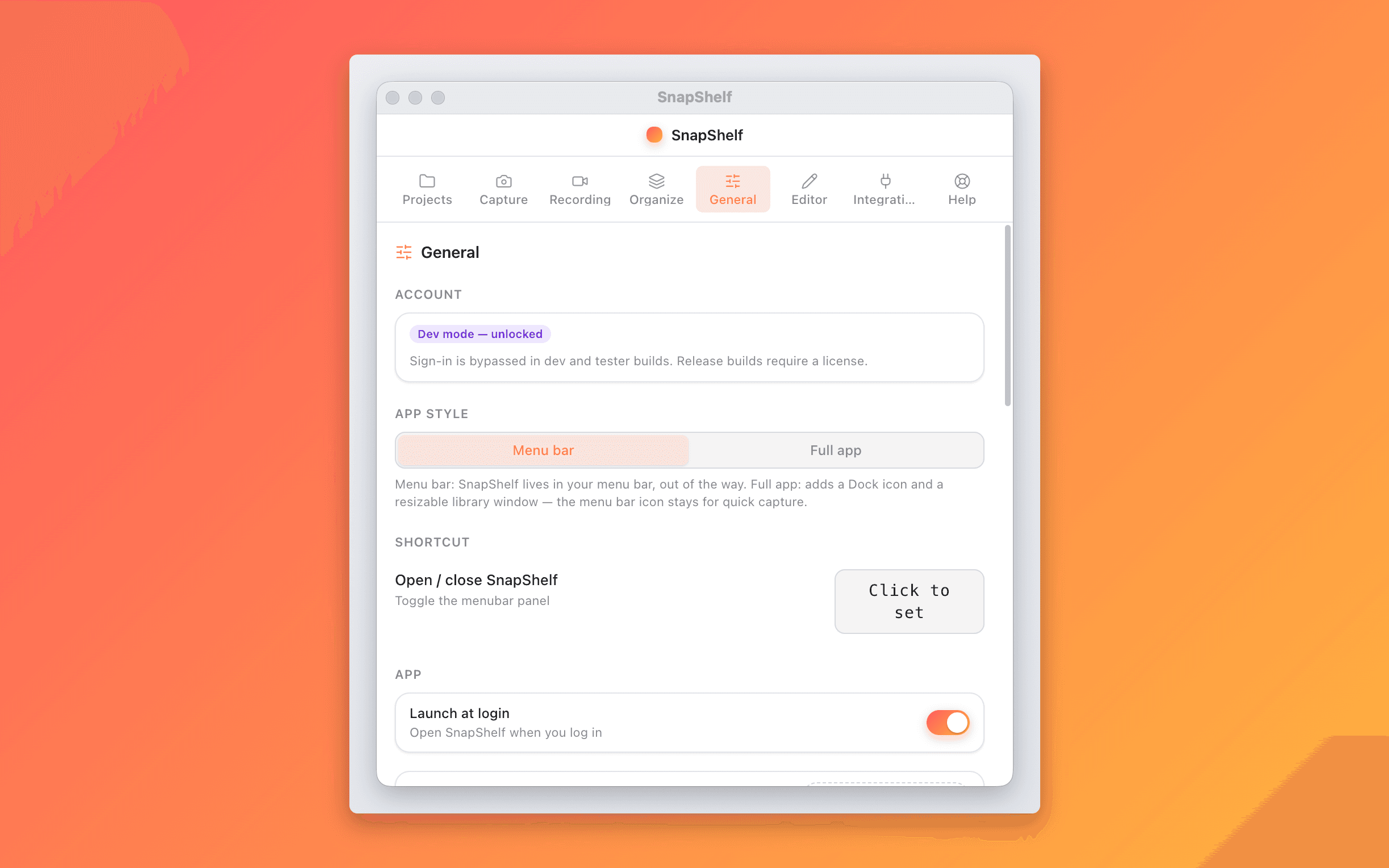
**2. SnapShelf — for capture, recording, and filing in one app.** $49 once, macOS 13 Ventura+, universal binary, 2 years of free updates, 30-day guarantee, no subscription. It is second here honestly: CleanShot has more annotation depth and years more polish, and if you want share links today it wins outright. SnapShelf earns its place on three things nothing else combines — right-click Send to Claude Code, which enumerates your terminal tabs, cross-references running processes to find the tty actually running `claude`, and pastes into that session (Terminal.app and iTerm2 only, not tmux, and it needs macOS Automation permission); rule-based auto-filing by app and window title with OCR fallback; and a full multi-track video editor with cursor auto-zoom, click ripples, spotlight, 44 transitions, independent music and voiceover lanes, and Auto-Edit silence removal. The right-click menu also has Codex, which just copies the file path, and Jira, which copies the image and opens a URL you configure — neither is the session detection Claude Code gets. Everything is local — no upload, no telemetry on captures.
**3. Shottr — the best free option, and the one to try first.** It is free for core screenshot use with a Pro upgrade available. It is extremely lightweight and fast, includes OCR and scrolling capture, and has pixel-measurement and design-inspection tools that neither CleanShot nor SnapShelf match. If you only need still screenshots, this is the correct answer and you should not spend money. It does not do screen recording, video editing, or GIF export at all — that is the wall you eventually hit.
**4. Screen Studio — if the recordings are the deliverable.** $89 one-time, and it is a screen recorder only, not a screenshot tool. It has deeper motion-polish presets than anything here, automatic device frames and wallpaper-style backgrounds, and iOS device recording workflows. It is the reference app for produced-looking demo videos and has the track record to match. If you ship polished recordings weekly and screenshots barely matter, buy this and pair it with the free built-ins.
**5. Snagit — for cross-platform teams and documentation.** It moved to a subscription in 2025 at roughly $39/yr, with a 30-day guarantee. That model is why it is not higher for individual developers. It remains the right pick for two situations: you need the same tool on Windows and macOS, or you write long-form documentation and want its templates and refined step-capture workflows. Enterprise deployment and volume licensing are also genuinely better than anything else here.
**6. Xnapper — cheapest polish.** $17 one-time. It is deliberately simple with very polished one-click social-media presets, and it does exactly what it says. There is no screen recording and no OCR. If your need is “make this screenshot look good for a tweet”, it is the cheapest way to get there and the learning curve is close to zero.
Picking by what you actually do
If you file four screenshots a week into Slack, use ⌘⇧5 and spend nothing.
If you annotate constantly and share links with teammates, CleanShot X. The share links have no equivalent in this list.
If you want fast, free, and local for stills only, Shottr — and add something else later if you ever need video.
If your output is polished demo videos, Screen Studio, with the built-ins for stills.
If you are on Windows too, or you write documentation for a living, Snagit.
If you live in Claude Code, switch between several projects a day, and record repro videos often enough that a separate editor is friction, SnapShelf. Getting CleanShot X plus Screen Studio to cover that same range is $118 together, and it is still two apps that do not share a gallery.
Try SnapShelf
Free for 7 days, then $49 once — 2 years of free updates, no subscription, and everything stays on your Mac. 30-day money-back guarantee.
No account, no card · macOS 13+ · Apple Silicon & Intel
FAQ
Questions, answered
Everything you need to know before buying.
Shottr, which is free for core screenshot use with a Pro upgrade available, and includes OCR, scrolling capture, and pixel-measurement tools. Before that, try the built-in ⌘⇧5 toolbar — for light use it is genuinely sufficient.
Stop hunting for screenshots. Start shipping.
Every capture filed, annotated, recorded with cursor auto-zoom, and one right-click away from your Claude Code session. Free for 7 days, then $49 once — yours forever.
30-day money-back guarantee7-day trial, no cardOne-time purchase2 years of free updatesLocal-only datamacOS 13+ · Apple Silicon & Intel