Screenshot the bug.
Send it straight to Claude.

The macOS menubar app that captures, auto-files, and records — with cursor auto-zoom, on-device OCR, and one-click hand-off to Claude Code, Codex, or Jira. Everything stays on your Mac. Buy it once for $49. It's yours forever.

macOS 13+ · Apple Silicon & Intel · 30-day money-back guarantee

SnapShelf
CaptureRecord
Mic off
Inbox
snapshelf-app
landing
designs
GIF
Captured → snapshelf-app

90 seconds, with sound

Watch it file a screenshot

Capture, auto-filing, scrolling capture, the video editor with click-driven auto‑zoom, annotation, and one-click send to Claude Code. All of it recorded in SnapShelf, by SnapShelf.

Send to…

Send it where the work happens

Every other screenshot tool stops at your clipboard. SnapShelf ships the capture into the tool that's going to act on it.

snapshelf → claude⭐ Send to Claude Code
SnapShelf right-click menu showing Send to Claude Code, Codex and Jira

SnapShelf finds your running Claude CLI session and pastes the file path straight into it — Terminal or iTerm. Your agent gets the screenshot without you ever touching Finder.

  1. 1Right-click any capture → Send to Claude Code
  2. 2SnapShelf locates your live CLI session
  3. 3The path lands in your prompt. Keep typing.

Screenshot the bug, hand it to the agent, stay in flow.

Send to Codex

Same flow, same one click. If you've got several sessions open, SnapShelf asks which one.

Send to Jira, or any URL

Copies the image and opens your board's create-issue page, ready to paste. Add any URL target you like — Linear, GitHub, your internal tracker.

Every send copies to the clipboard first. You're never left empty-handed.

How the Claude Code integration works →

No subscription. No background uploads. No lost screenshots.

1 click
screenshot to Claude Code
no cloud
unless you share a link
$49
once. not per month.
2 yrs
of free updates

Capture

Any shot, any mode, one shortcut

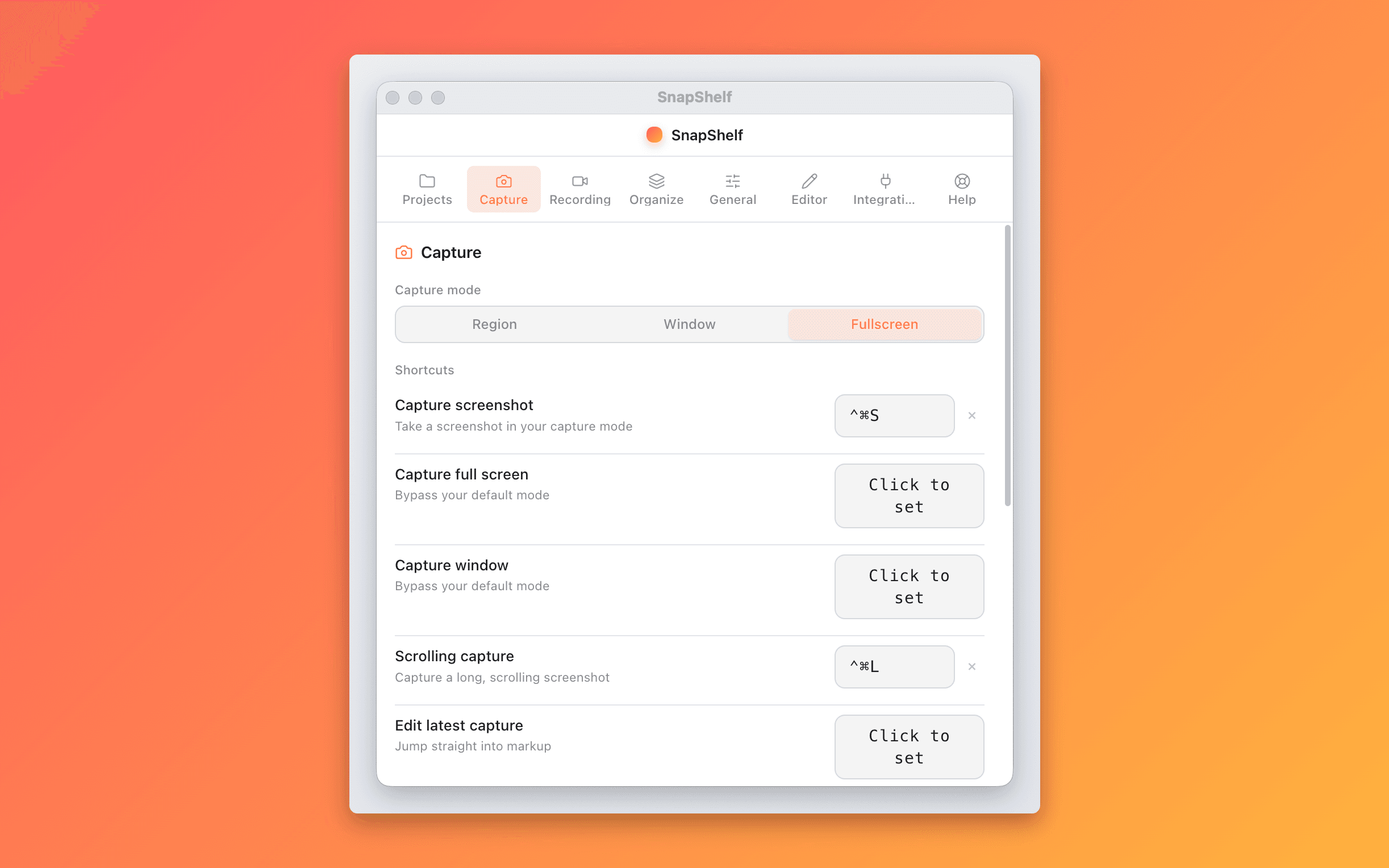
Region, window, fullscreen, scrolling, or screen recording — all from a single keystroke.

SnapShelf capture mode selector — region, window, and fullscreen screenshot on macOS

Keystroke capture

Zero friction. Never break flow to name or save a file.

Organize

Your screenshots, already filed

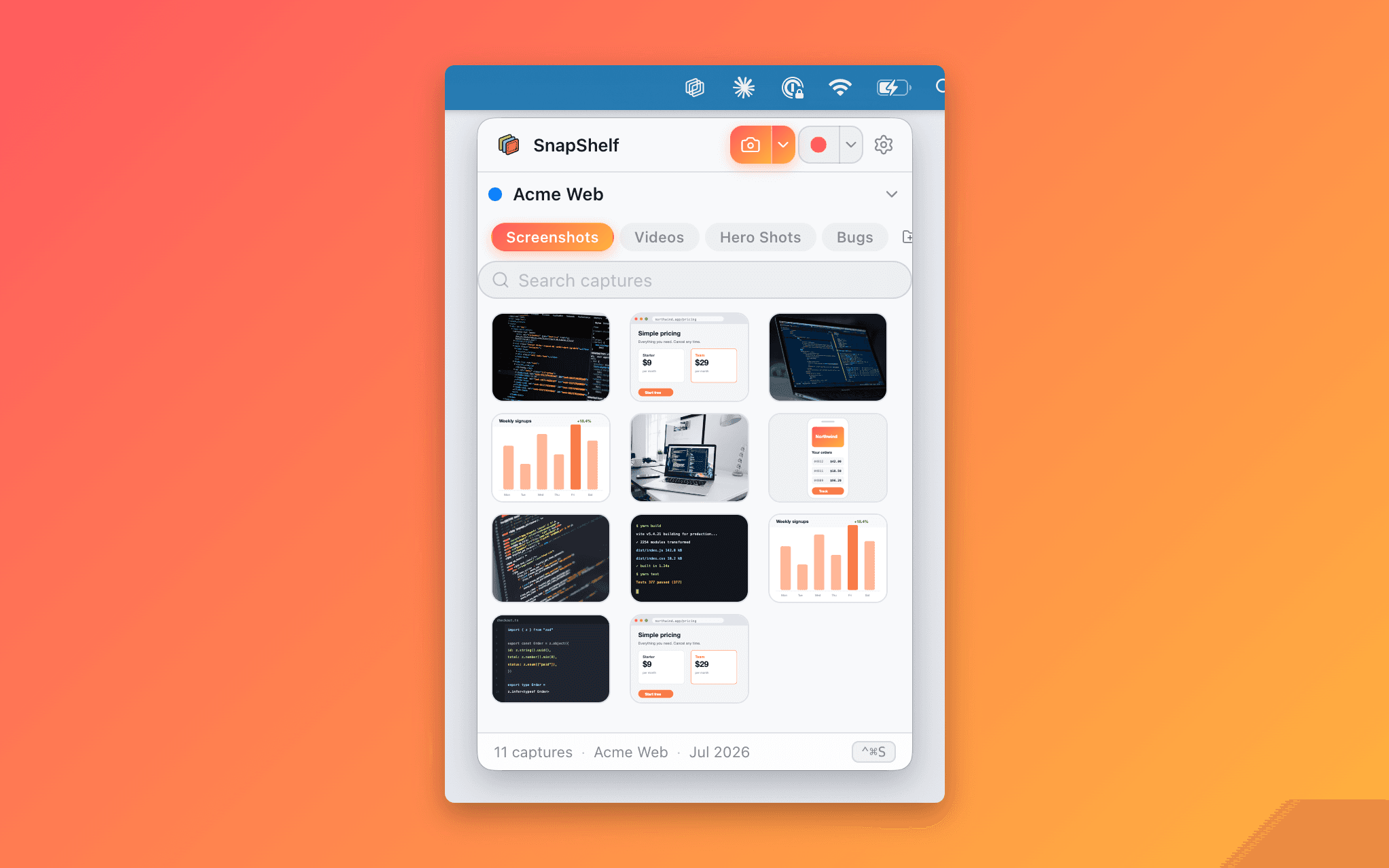
Auto-filing rules and a searchable gallery mean you spend zero time managing files.

SnapShelf screenshot organizer gallery with thumbnail grid and instant search

Smart auto-filing

SnapShelf reads the frontmost app and window title when you capture, then routes the file to the matching project folder based on rules you define. Write one rule and screenshots start organising themselves.

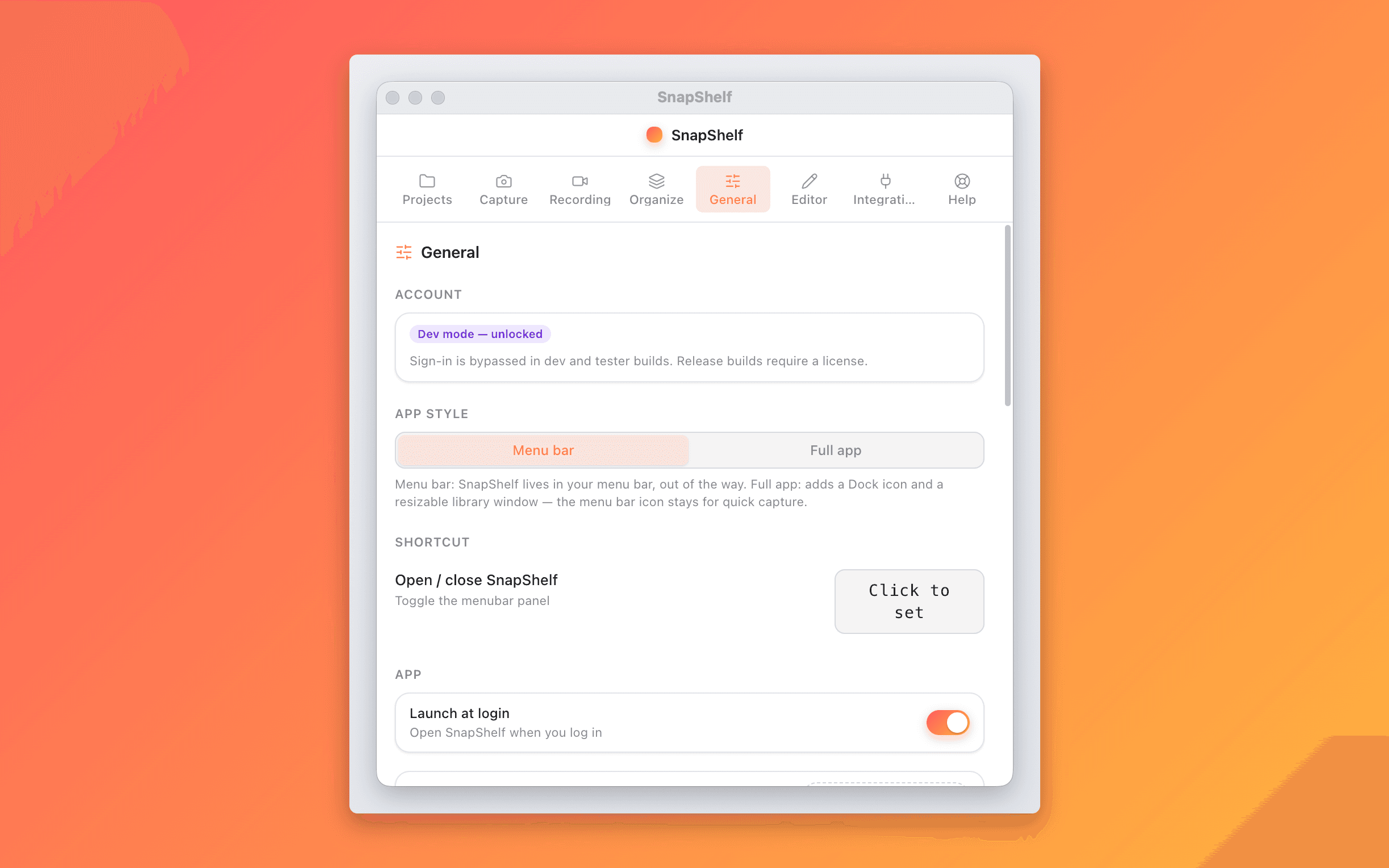
  1. 1Open Settings → Rules and add a rule: "app is Xcode → file to ~/Projects/MyApp"
  2. 2Take any screenshot while Xcode is in the foreground
  3. 3Find it already named and filed in ~/Projects/MyApp/Screenshots

No more hunting through ~/Desktop or ~/Downloads for a screenshot from two weeks ago.

Find it fast

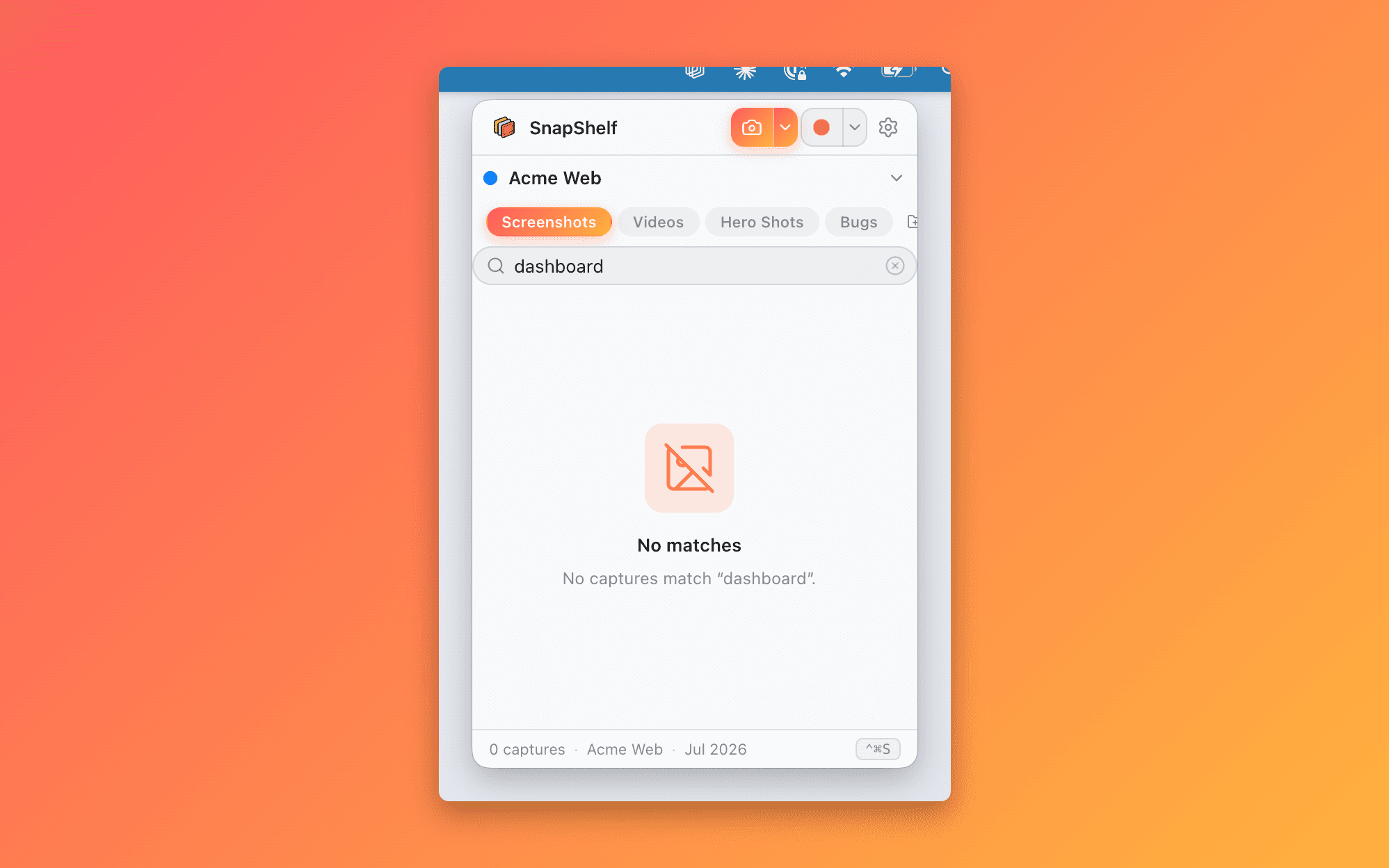
A clean gallery with instant search across all your shelves. Filter by project, search by filename, or scroll the thumbnail grid. Every capture is one click from the menubar.

  1. 1Open the SnapShelf panel from the menubar
  2. 2Type in the search bar to filter by project or filename
  3. 3Right-click to copy, or drag directly into Slack, a PR, or any app

Every capture is already on your clipboard; drag-out handles the rest.

Annotate & Beautify

Mark up, beautify, extract

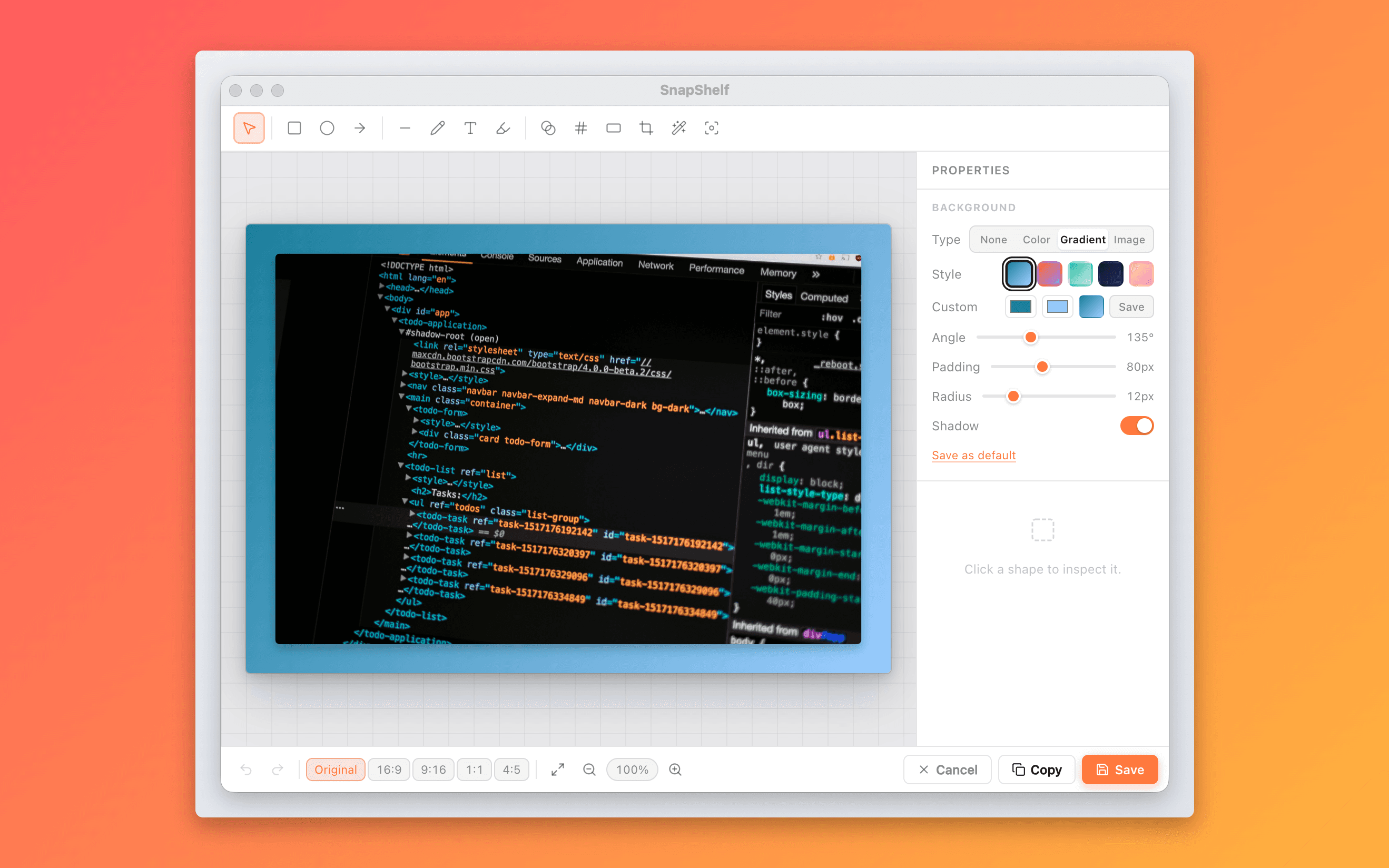
A full annotation editor, stunning backgrounds, and on-device OCR — no third-party apps.

SnapShelf annotation editor with arrows, blur, and step badges on a screenshot

Annotation editor

Ship polished, annotated screenshots without leaving SnapShelf.

Record & Edit

Recordings that look produced, not recorded

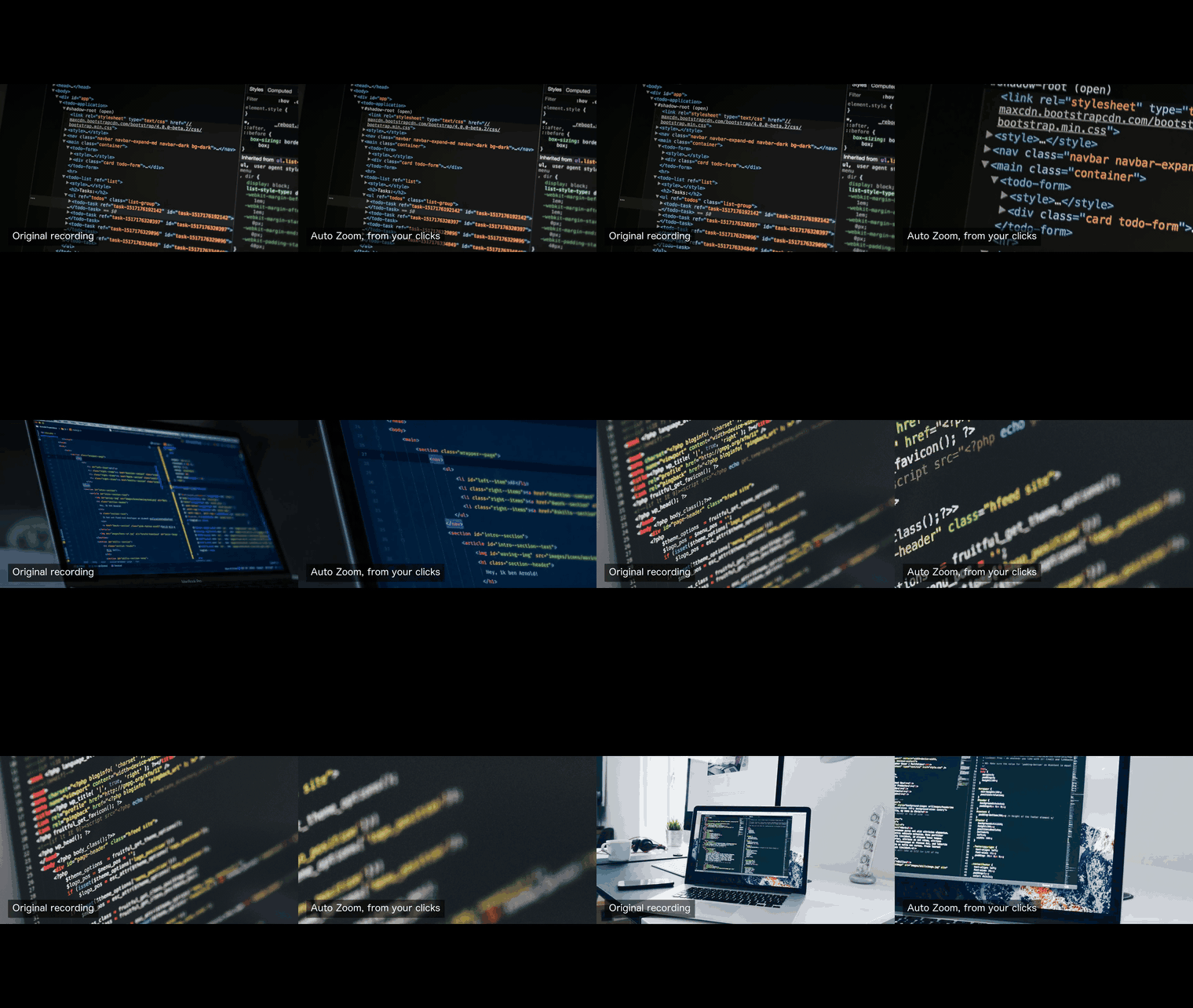
Cursor auto-zoom, click ripples, and a full multi-track editor — the polish you'd expect from an $89 dedicated screen recorder.

Cursor auto-zoom punching into a click in the SnapShelf video editor

Cursor auto-zoom

Screen Studio charges $89 for this. It's included.

More Power

PDF, privacy, clipboard & dev flow

The details that make SnapShelf the only tool you need.

Multi-page PDF export

Turn a screenshot sequence into a shareable document without any third-party app.

Select multiple screenshots and export them as a multi-page PDF in one step — ideal for design reviews, QA reports, or sharing a series of steps.

Local-first & private

Use SnapShelf on client work, confidential projects, or anything sensitive with full peace of mind.

Every capture, recording, and export lives on your Mac in the folder you choose. SnapShelf never uploads your content, never phones home with your files, and has no analytics on what you capture.

Instant clipboard

Eliminates the "find the file, drag it in" step that breaks your flow.

Every capture is on your clipboard the moment you take it — paste it straight into a PR, doc, or chat without an extra step.

Built for developer flow

SnapShelf disappears into your workflow and shows up only when you need it.

Global shortcuts for every action, clipboard-first workflow, native macOS feel, and a menubar interface that gets out of your way. Designed by and for people who live in the terminal.

SnapShelf multi-page PDF export and multi-select extras

How it works

Three steps, zero friction

  1. 01

    Capture

    Hit your shortcut or click the menubar icon. Snap a screenshot or start a screen recording — instantly, no save dialog.

  2. 02

    Auto-file

    SnapShelf routes the capture to the right project folder using your rules, names it sensibly, and adds it to the gallery.

  3. 03

    Done

    Copy to clipboard, drag into a PR or chat, or open in your editor. The file is already where it belongs on disk.

Comparison

Why choose SnapShelf?

SnapShelf is the only tool that sends captures straight to Claude Code — and the only one that combines capture, smart filing, annotation, and recording with cursor auto-zoom at a one-time price.

FeatureSnapShelf← youCleanShot XScreen StudioCaptureShelfShottr
AI & Dev Workflow
MCP server — Claude drives the app
Send to Claude Code / Codex
Send to Jira / any URL
On-device OCR
Capture
Region / window / fullscreen
Auto-scrolling capture
Clean capture (hide icons / dim)
Organize
Smart auto-filing by app / window
OCR fallback routing
Gallery with search
Annotate
Annotation editor (arrows, text, blur…)
Backgrounds & beautify
Record & Edit
Screen recording
Cursor auto-zoom
Click ripples / spotlight
Multi-track video editor
Auto-Edit (silence removal)
GIF export
Export & Privacy
Multi-page PDF export
Local-first (no cloud upload)
Share linksSoon
One-time price
Price
Price$49 once$29 once$89 once$15 onceFree

CleanShot X ($29) + Screen Studio ($89) = $118.

SnapShelf does both. For $49. Once.

Competitor info based on publicly available feature lists as of July 2026. Partial () means limited or add-on support. Soon means on the roadmap — join the waitlist. All product names and trademarks are the property of their respective owners; SnapShelf is not affiliated with or endorsed by them.

Read the full breakdown: SnapShelf vs Screen Studio → SnapShelf vs CleanShot X →Or see why SnapShelf is the best CaptureShelf, Shottr, Snagit, and Xnapper alternative.

Get SnapShelf — $49

One-time · all features included · 30-day money-back

Use Cases

Built for makers who ship things

SnapShelf fits the way different people on a product team capture and communicate.

The Developer

Backend engineer filing a bug report

Bug filed in 30 seconds, not 3 minutes

You spot a UI regression in staging. Normally this means: screenshot, rename, open Finder, drag it somewhere, describe the bug. With SnapShelf:

  1. 1Press ⌃⌘S — draw a region around the broken element
  2. 2It auto-files to ~/Projects/app/screenshots
  3. 3Right-click → Send to Claude Code
  4. 4The path lands in your live CLI session. Ask Claude to fix it.

Why it matters: the screenshot never touches Finder, your clipboard, or your working memory. You never leave the terminal.

The Educator

Developer advocate creating a tutorial

A polished tutorial video, not a raw screencast

You need a tutorial showing how to set up a new project. With SnapShelf you record once and polish in the same tool:

  1. 1Record your screen with mic and cursor data on, narrating each step
  2. 2Open the video in SnapShelf's multi-track editor — cursor auto-zoom is already applied to every click
  3. 3Click Auto-Edit — silent pauses are trimmed automatically
  4. 4Add a background music track at low volume with a fade-in
  5. 5Add text overlays for key steps, then export MP4 at 16:9

Why it matters: no Screen Studio handoff, no CapCut export-and-reimport. Publish in one workflow.

The Designer

Product designer sharing work in progress

Share stunning screenshots, not raw window grabs

You need to share a component in Slack before it is live. A raw screenshot looks scrappy. SnapShelf makes it shareable:

  1. 1Press your capture shortcut and click the component window
  2. 2Open the Background editor — pick a gradient that matches your brand
  3. 3Adjust padding and rounded corners until it looks polished
  4. 4Copy to clipboard and paste into Slack — zero file-saves needed

Why it matters: first impressions count even in internal reviews.

The PM

Product manager running async standup

Async walkthroughs that people actually watch

You want to show the team what shipped this sprint without a synchronous demo call. SnapShelf lets you async it:

  1. 1Record a 2-minute walkthrough from the menubar — no setup
  2. 2Trim dead air with Auto-Edit in one click
  3. 3Export as MP4, or as a GIF for the short highlights
  4. 4Drop both into Notion or Linear — done

Why it matters: async video beats wall-of-text updates, and SnapShelf makes it fast.

Pricing

One price. Forever.

No subscriptions, no seats, no upsells. Buy once and own it — with 2 years of free updates included.

Launch price — $29 for the first 100 licences. Then $49.

Use code LAUNCH29 at checkout.

SnapShelf Lifetime

one-time
$49USD · once

Yours to keep, forever.

Lifetime licence · 2 years of free updates · local-only · One licence, two Macs

CleanShot X and Screen Studio together cost $118. SnapShelf does both — capture, organise, annotate, and record with cursor auto-zoom — for $49, once.

30-day money-back, no questions.

  • Send to Claude Code, Codex, Jira, or any URL
  • Cursor auto-zoom, click ripples, cursor highlight & spotlight
  • Unlimited screenshots, recordings & GIFs
  • Keystroke capture — region, window, fullscreen
  • Auto-scrolling capture for long pages & threads
  • Clean capture — hide desktop icons, dim background
  • Quick-access overlay after every capture
  • Smart auto-filing to project folders by rules
  • OCR fallback routing
  • Annotation editor (arrows, shapes, text, blur, crop, step labels)
  • Beautiful screenshot backgrounds (solid, gradient, image, padding, shadow)
  • On-device OCR — extract text from any screenshot
  • Screen recording with mic & system-audio mute
  • One-click GIF export from any recording
  • Multi-track video editor (trim, split, speed, aspect ratio)
  • Auto-Edit: silences removed automatically
  • Multi-page PDF export
  • Clean gallery — hover-copy, drag-out, instant search
  • Local by default — captures never leave your Mac
  • Lifetime licence with 2 years of free updates

Local by default. Cloud only when you choose.

SnapShelf never uploads anything automatically. No background sync, no phoning home, no analytics on what you capture. Your files live in a folder you picked, on a disk you own.

Share links are coming — as an opt-in add-on, priced separately, and always a deliberate, per-file act. Never the default. Never automatic.

30-day money-back guarantee · Secure checkout via Stripe

Wondering how it stacks up? See the comparison →

Already testing SnapShelf?

Take the 5-minute beta survey — blunt feedback shapes what we build next.

Take the survey →

FAQ

Questions, answered

Everything you need to know before buying.

Yes — it’s the reason SnapShelf exists. Right-click any capture and choose Send to Claude Code, and SnapShelf finds your running Claude CLI session and pastes the file path straight into it, in Terminal or iTerm. If several sessions are open you pick one. Codex is simpler — it copies the file path for you to paste yourself. Either way the capture is on your clipboard first, so you’re never stuck. See how the Claude Code integration works

Stop hunting for screenshots. Start shipping.

Every capture filed, annotated, recorded with cursor auto-zoom, and one right-click away from your Claude Code session. One-time $49, yours forever.

30-day money-back guaranteeOne-time purchase2 years of free updatesLocal-only datamacOS 13+ · Apple Silicon & Intel